Triggering workflows via an audience
Learn more about how to trigger cross-channel notification workflows in Knock via an audience.
Audience workflow triggers execute a workflow run when a user joins a specific audience. An audience consists of users who share a common characteristic, such as users on a paid plan or users who made a purchase in the past 30 days.
To use audience triggers, you need an audience created in Knock. Create an audience in the Audiences section of the dashboard.
Configuring an audience trigger
#Create or open the workflow you'd like to trigger for your audience, then open the workflow editor. Click on the "Trigger" step, then click "Edit trigger type" in the top right corner. Click "Audience" and then select the audience you'd like this workflow to trigger from.
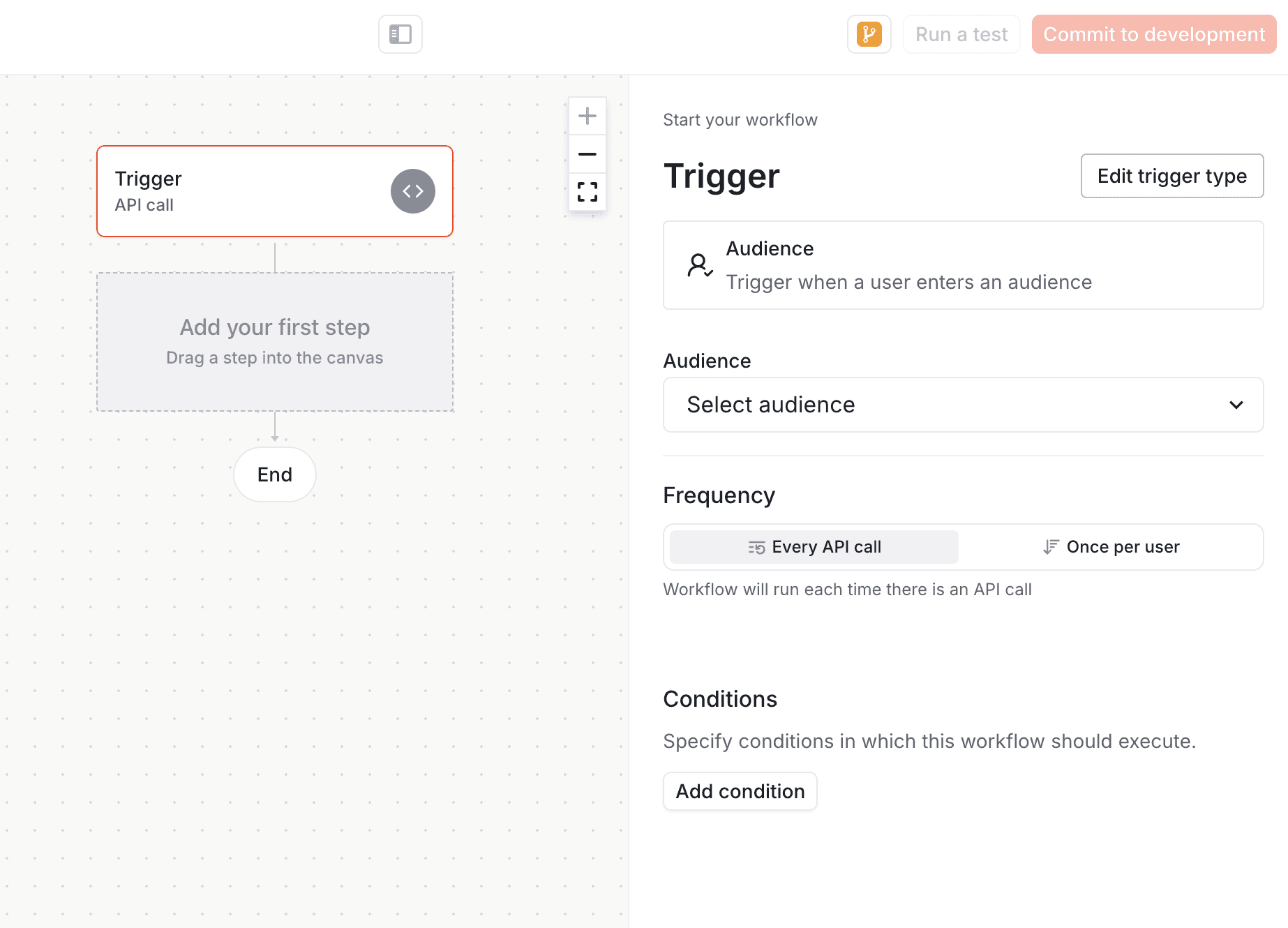
Commit your workflow to your current environment. At this point, every time a user is added to the selected audience a workflow will be triggered with that user as a recipient.